Vibe-Coding a Hitster Clone on a Highway
07 April 2026
Hitster is a music quiz card game you play with your phone: scan a QR code, Spotify plays the song, everyone guesses the year and sorts cards into a timeline. Simple, addictive, and about 25€ for a card deck. I figured I could build my own version using my personal Spotify playlists.
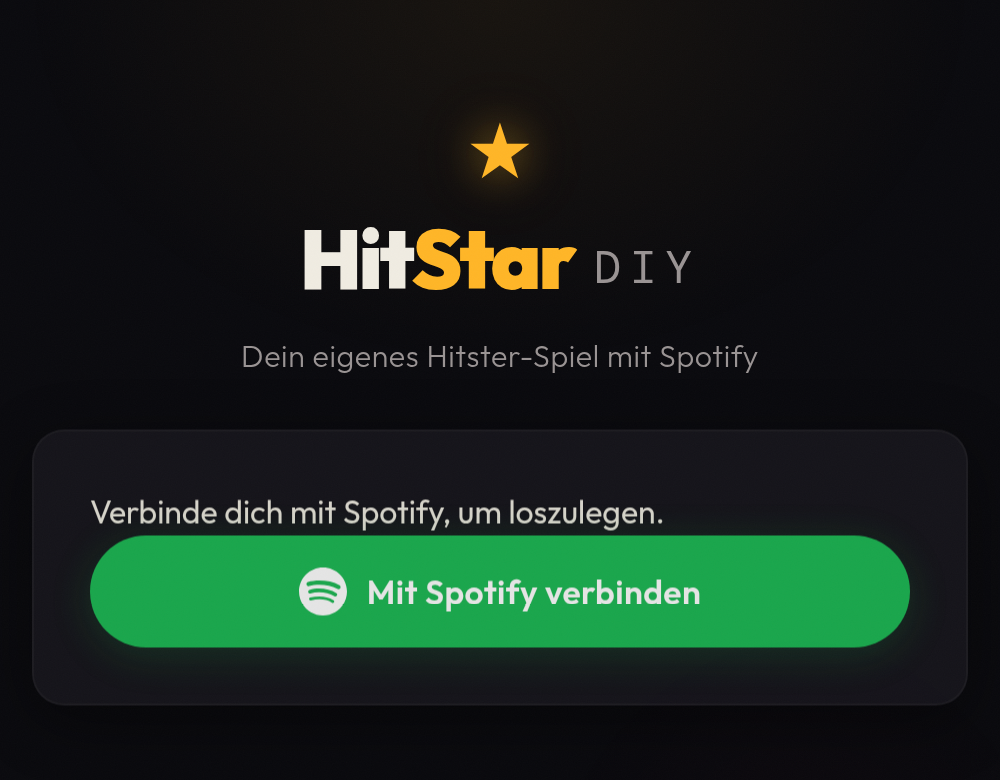
I built this DIY clone in about 3-4 hours — as a passenger on the drive home from Austria to Germany. No laptop. Just my phone, voice messages to Claude Code via Telegram, and a home server doing the work. Claude wrote the code, served it via Tailscale, and I checked the result on my phone. This post is about what I learned along the way.
The Setup
I didn’t pick any libraries or research auth flows beforehand. I just told Claude what I wanted to build, and it chose a simple vanilla stack: HTML, CSS, JavaScript, Spotify’s PKCE auth flow (no backend needed), QRCode.js for code generation, and Html5-QRCode for scanning.
After about three hours of driving, we stopped at a Burger King. While eating my burger, I scanned a QR code for the first time — and Spotify started playing.
What Worked Well
Spotify auth just worked. Claude told me to create a Developer account, register an app, and grab the Client ID. I did those steps on my phone, handed the Client ID back, and Claude implemented the entire login flow. After a couple of iterations — including figuring out that I needed to add myself as a test user — login worked. My only contribution was navigating the Spotify Developer Console.
Remote debugging without DevTools. Testing on Android Chrome meant no debug console. I could only describe symptoms — "the button doesn’t do anything" or "I see a white screen." The game-changer was asking Claude to add client-side error reporting: all JavaScript errors and console logs were sent back to the server, so Claude could see them directly. From that point on, debugging was almost as fast as having DevTools open — except I never had to look at a single error message myself.
Tailscale for mobile testing. I asked Claude to make the app accessible on my tailnet. It figured out the right command (tailscale serve --bg --https=8443 http://127.0.0.1:8080) and ran it. No port forwarding, no firewall rules — and I didn’t have to look up how Tailscale Serve works.
UI design via frontend design skill. UI is often the hard part for developers — getting something consistent and visually pleasant. Claude’s frontend design skill turned the rough initial interface into something that actually looked good, automatically. No design skills required on my end.
Where Things Went Wrong
The Spotify API silently broke. Despite correct auth and scopes, the playlist endpoint returned 403 Forbidden. Claude worked through it using the error logs from the browser and eventually figured out that Spotify had changed their API in February 2026: /v1/playlists/{id}/tracks was replaced by /v1/playlists/{id}/items. A two-line fix — but it took several iterations to get there. I never looked at the Spotify API docs myself; the AI diagnosed and fixed it autonomously.
The legal surprise. Everything came together so quickly that the app was nearly finished — which made me wonder: why hadn’t I found a single Spotify-integrated clone during my initial research? I asked Claude, and it came back with the answer immediately. Spotify’s Developer Policy, Section III, states plainly:
Do not create a game, including trivia quizzes.
That’s unambiguous. The game concept itself isn’t protected — but using the Spotify API to power it is explicitly forbidden. This is why there’s no popular public Hitster clone. Not because it’s technically hard, but because Spotify’s ToS prohibit it. Hitster itself likely has a special licensing agreement.
For private use with friends? No problem. As a product? Don’t even think about it. But thanks to vibe-coding, the investment was just a few hours of talking into my phone — and what I learned about the workflow was well worth it regardless.
The Workflow
The key was combining a few things: voice messages via Telegram to talk to Claude Code, Tailscale for instant preview on my phone, and --dangerously-skip-permissions so Claude could execute file writes and shell commands without confirmation. That last flag is essential for a voice-only workflow — you can’t approve every action from the passenger seat.
Voice in, code out, reload on phone. That loop turned a car ride into a coding session.
What’s Next
One gap remains: debugging. The client-side error reporting workaround works, but Chrome’s remote debugging via DevTools Protocol could give Claude direct access to console output and network requests from my phone’s browser — no workaround needed.
And since Spotify’s ToS prevent this particular project from going public, I’m brainstorming with Claude on a game idea that can actually ship — to vibe-code the full journey from idea to production.
The Bottom Line
Vibe-coding a mobile web app from your phone — without ever opening a laptop — works. Voice messages, an AI coding agent on a home server, and Tailscale for instant preview. The result is a fully working Hitster clone, ready for game night.
Built in April 2026, from the passenger seat on the A8 somewhere between Salzburg and Paderborn.